PIKA AI Video Generator - Powered by Pica Art Labs
Pika AI is a magical image-to-video tool developed by Pica Art Labs. It can generate high-quality videos from user-provided text and images, supporting multiple visual styles such as 3D animation, anime, cartoon, and cinematic effects. Start creating your own magical videos from photos with Pika Art AI today!
Why choose Pika AI Video Generator for Video Creation?
Pika AI streamlines the AI video creation process by seamlessly integrating text-to-video, image-to-video, and a variety of pre-designed video effect templates into a single intuitive workflow. Start by entering a creative prompt or uploading an image, then select from flexible video styles and special effects to match your vision—whether you need eye-catching short-form content, attention-grabbing product videos, engaging social media clips, or playful animated storytelling. Pika AI simplifies the journey from initial concept or source image to a polished, share-ready AI video, freeing you from complex editing while offering creative control every step of the way.
Explore Pika AI Video Tools for Your Creative Needs
Use Pika AI to animate still images into engaging video clips for social media, ads, memes, presentations, and creative campaigns. Choose from popular effects such as AI hug videos, Venom-style transformations, muscle enhancement, old photo animation, and more.

Pika AI Image to Video Tool
Upload an image, describe the movement or effect you want, and let Pika AI turn it into a vivid video. It is built for fast experimentation, so you can test different prompts, visual moods, and AI video effects without a complicated editing workflow.
Create a Pika AI VideoPika AI Text to Video Generator
Generate dynamic AI videos from text prompts with Pika AI. Create cinematic shots, stylized animation, realistic motion, social clips, and creative video concepts by describing what you want to see.
Discover the Advanced Video Features of Pika AI Video Generator
Explore Pika AI video templates for fast creative production, including AI Hug Video, AI Venom Video, AI Muscle Video, Old Photo Animation, Image to Video, and Text to Video.
AI Video Generator
Create high-quality videos with AI technology.

Image to Video
Turn photos into stunning, realistic AI videos.
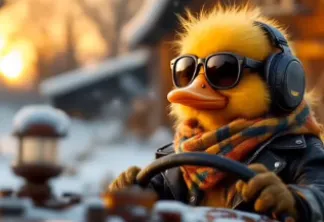
Text to Video
Bring your words to life! Generate vivid AI videos from text.
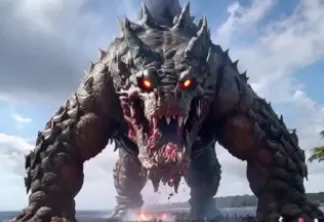
AI Hug
Create a heartwarming hug video from two photos instantly!
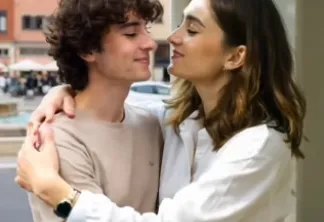
AI Squish Effect
Add a fun, squishy effect to your photos!
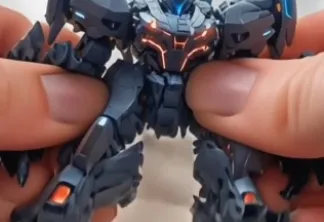
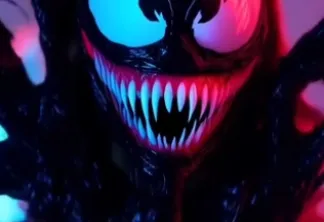
AI Venom Transformation
Epic Venom transformations from any photo!
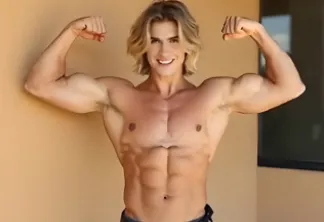
AI Muscle Enhancement
Get ripped! Create a muscle-enhanced video from any photo.
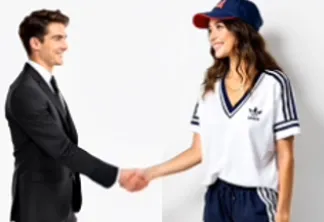
AI Handshake Effect
Create realistic handshake videos from two photos – fast!
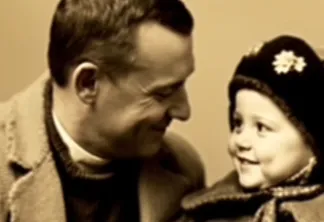
Old Photo Animation
Revive old photos with amazing AI animation!
Core Features of Pika AI Video Generator
The Pika AI Video Generator helps you turn prompts, photos, and creative references into high-quality AI videos with simple controls, flexible styles, and practical tools for repeatable content production.
Fast Pika AI Video Generation
Create draft videos quickly so you can test ideas, compare prompts, and iterate on motion, style, and composition without slowing down your creative workflow.
Flexible Pika AI Video Styles
Explore cinematic, realistic, anime, cartoon, 3D, social media, and special-effect looks. Match each video style to the audience, platform, or campaign you are creating for.
High-Quality AI Video Output
Generate visually rich clips with clear subjects, expressive movement, and polished color. Pika AI is designed to help produce videos that look ready for sharing.
Prompt-Based Creative Control
Guide your Pika AI video with detailed prompts, uploaded images, aspect ratio choices, and model settings. Small changes to your prompt can help shape motion, mood, and scene direction.
Easy Pika AI Workflow
Start with a prompt or image, choose your settings, and generate. The workflow is approachable for beginners while still useful for creators who need repeatable AI video production.
How to Use Pika AI Video Generator
Create a Pika AI video in a few simple steps. Start with a specific idea, add visual details, choose the right format, and refine the generated clip until it fits your story.


